Installing the Optional Parts
If you want to install any of the optional *.TAZ packages, prepare the archive floppies (or floppy, if doing it one at a time) as described earlier.
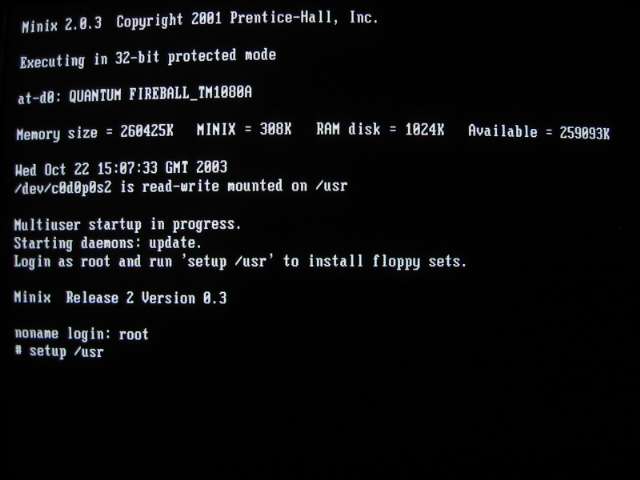
Now type in "setup /usr" at the command prompt:
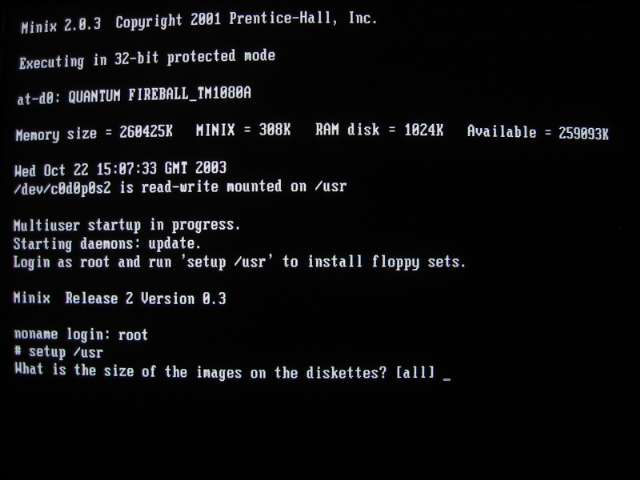
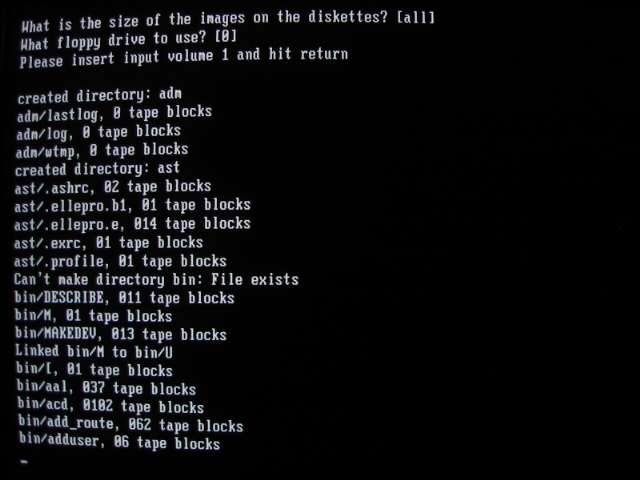
The setup program will ask you the size of the image on disk (select the default -- all -- by pressing ENTER)...
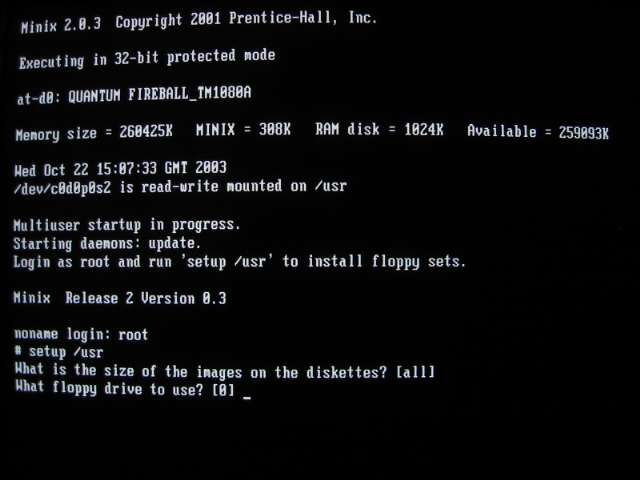
...which floppy drive to use (press ENTER)...
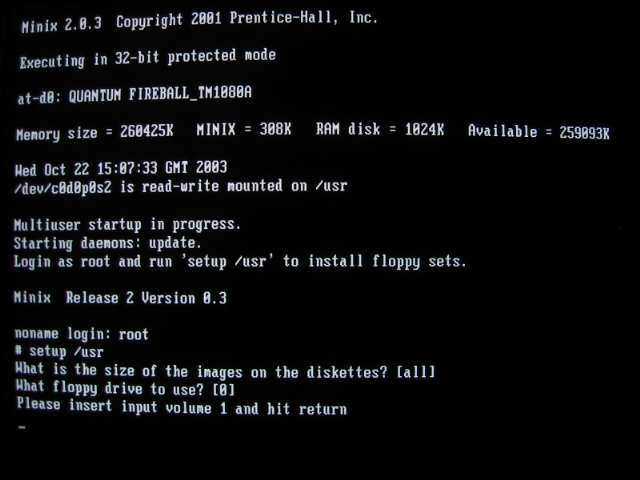
...and then ask you to install the first floppy of the set:
After you have installed the first floppy and pressed ENTER, the setup program knows what to do. It begins by expanding and copying the archive contents into their correct locations:
It will even ask you to provide the next floppy, if required to continue with the current archive.
To install another archive simply type in the "setup /usr" command again and repeat the above process with a set of floppies (or one floppy at a time) containing a different archive.